-
PCF is an eBay Partner. If you make a purchase through one of our links, we may earn a commission at no extra cost to you. Thank you for your support!
You are using an out of date browser. It may not display this or other websites correctly.
You should upgrade or use an alternative browser.
You should upgrade or use an alternative browser.

Featured Chipmatic Studio (a poker chip design tool)
- Author QuietMaple
- Creation date
- Featured
I've just added another homage to vintage poker chips. As with all of the inlay templates, you can tweak the layout, colors, fonts, text, etc. in many different ways.
Keep it classic:

Or get creative:



You can now visualize your entire set of chips on the felt!
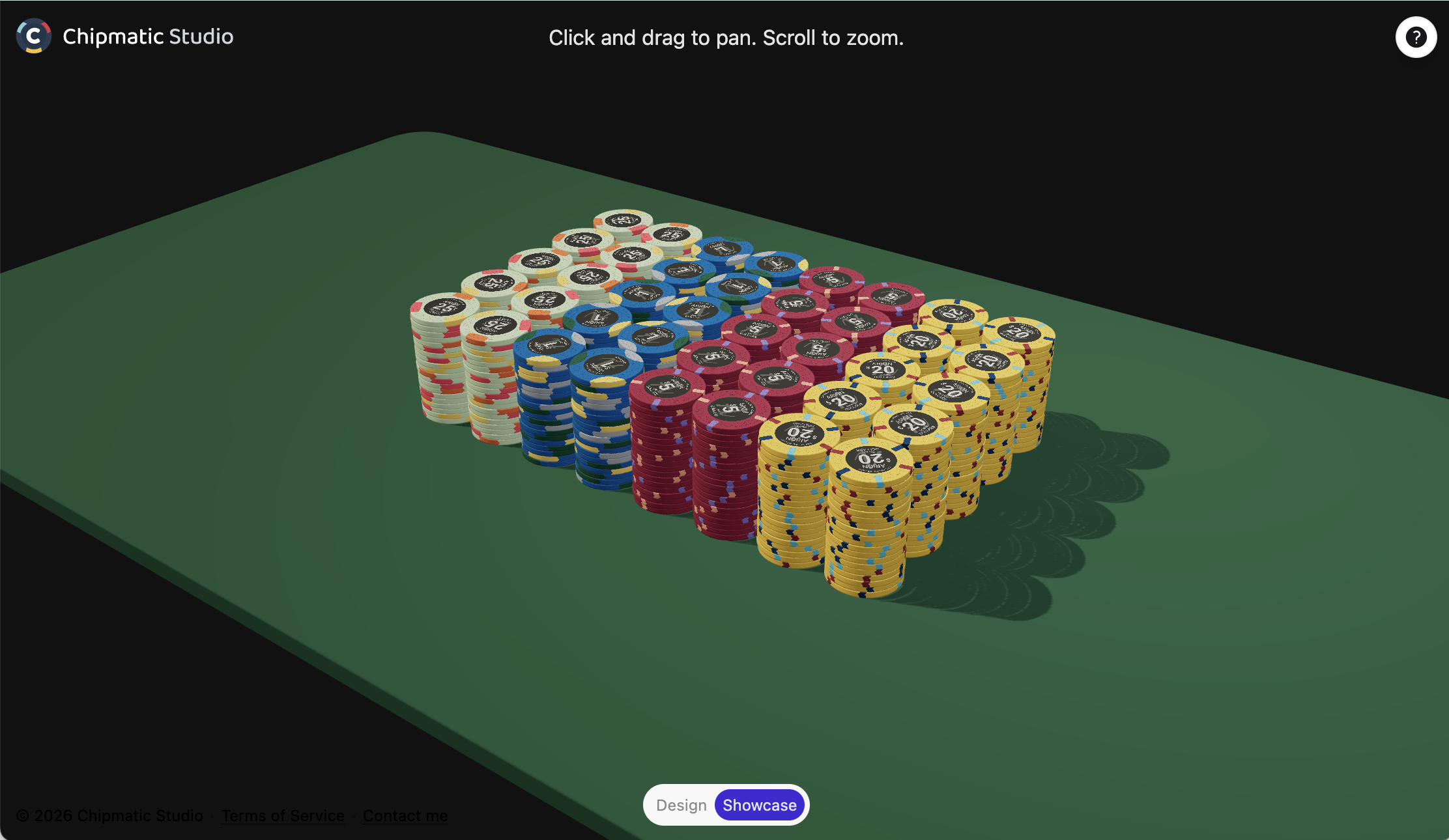
The view is pretty static right now: it automatically displays two racks of each chip, but I plan on making this configurable in the (near?) future. I hope to add additional configuration, splashed pot views, and higher quality renders in the future. Maybe even ray tracing? We'll see where what feels fun
I know this screenshot doesn't look that different than the preview I posted a few weeks ago, but a lot had to change under the hood to make this all possible.
Enjoy!

The text, colors, fonts, and text sizing is all customizable just like all the other inlay templates. Next features I work on will likely be adding the ability to go negative on edge spot bloat sliders, and then I'm going to experiment with rendering many chip stacks at once in a sort of "showcase" mode that should hopefully give folks an even better idea of what their set would look like on a table.

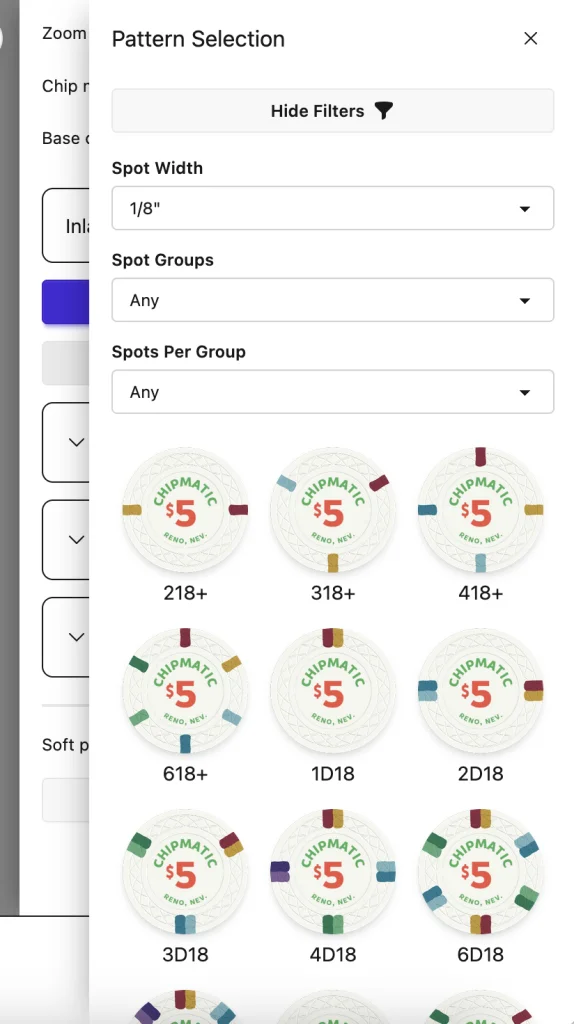
The main update for today is that I've added the ability to add Spot Patterns from a standard library of patterns. This includes all of the standards (like 218, 4D14, 4V12, etc.) that folks are familiar with. I'm hoping this feature will be helpful for folks who are a little intimidated by the big list of sliders. You can filter the list to quickly compare options, and you'll still be able to customize these patterns once added to a chip as usual.
Along with this change I've also greatly improved the performance of rendering the chip previews in the bottom toolbar which should make the page run more smoothly on systems with fewer resources.
And finally, I've decided to remove the "BETA" tag in the site's title! Now that I've received my own chips created with Chipmatic, I figured it's time
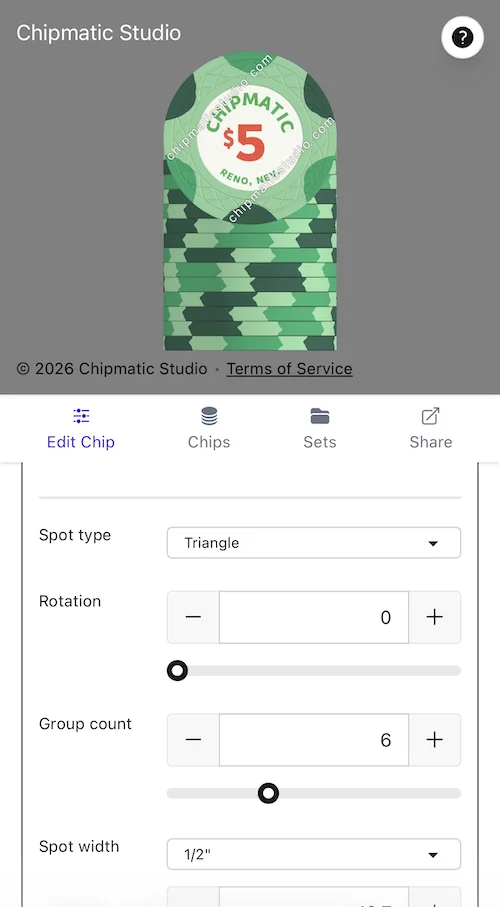
I've released a change to the mobile interface that I think is going to make the tool much easier to use on touch devices: On mobile, slider controls now have large +/- buttons next to the value that allows fine adjustments to the numbers without using the finicky slider.
And in case folks don't know: on desktop you can use the up and down arrow keys on your keyboard to make fine adjustments when you have a numeric text field selected. (This has been there since the beginning, but not sure how many people have discovered it)
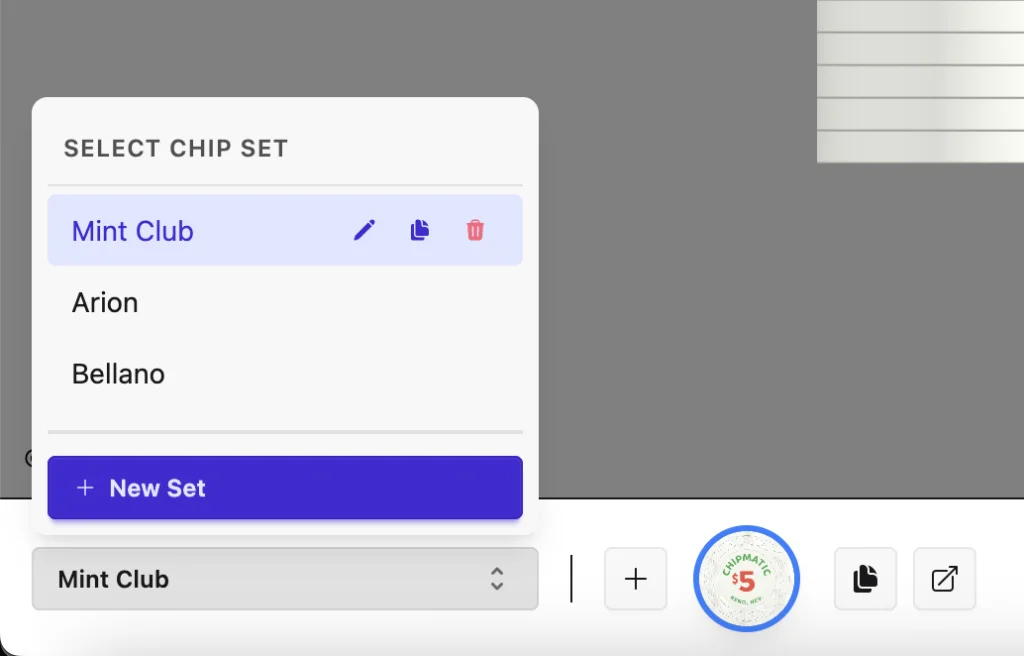
I've modified the interface for set management a bit and added a couple new useful features:
And I've also added the Sun mold!
- There is now a "Duplicate Set" button to quickly copy a whole set
- There is now a "Copy to..." button for chips, which allows making a copy of a chip from one set into another
- Re-arranged existing set management controls to make more room on the bottom toolbar
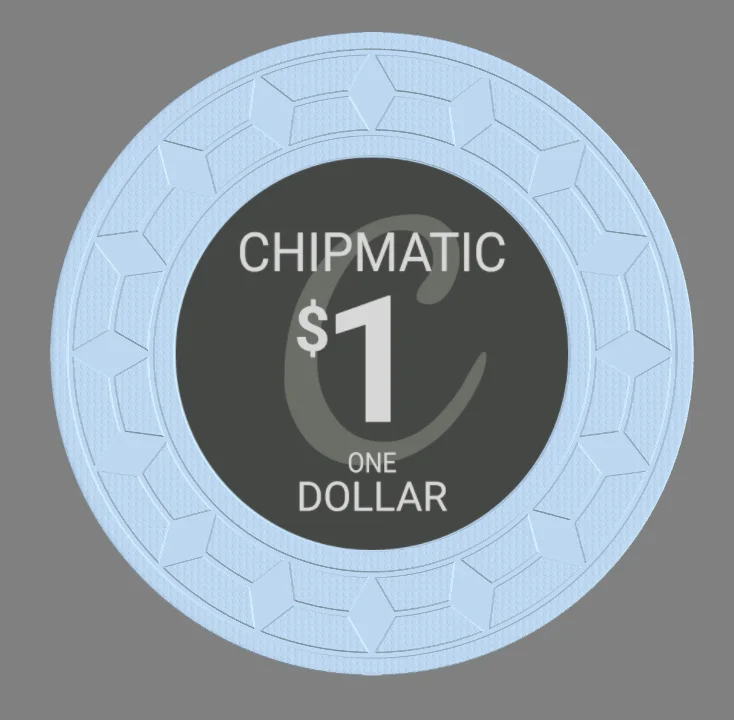
(This one only exists in the 39mm variety)

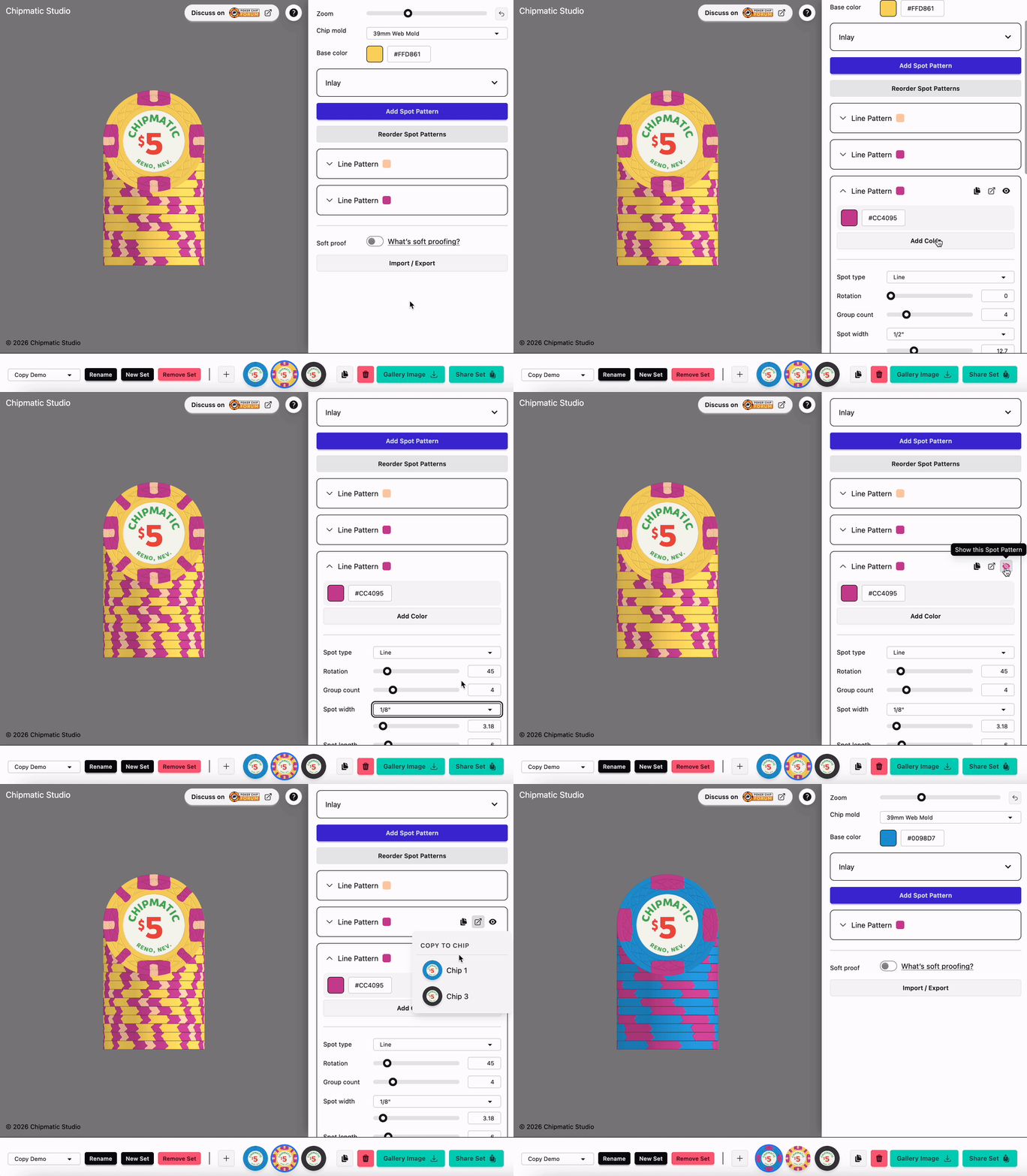
This release includes a couple different conveniences that should make building chips rapidly a lot easier. You can now:
- Toggle the visibility of Spot Patterns to quickly compare variations
- Duplicate Spot Patterns on a chip
- Copy Spot Patterns from one chip to another
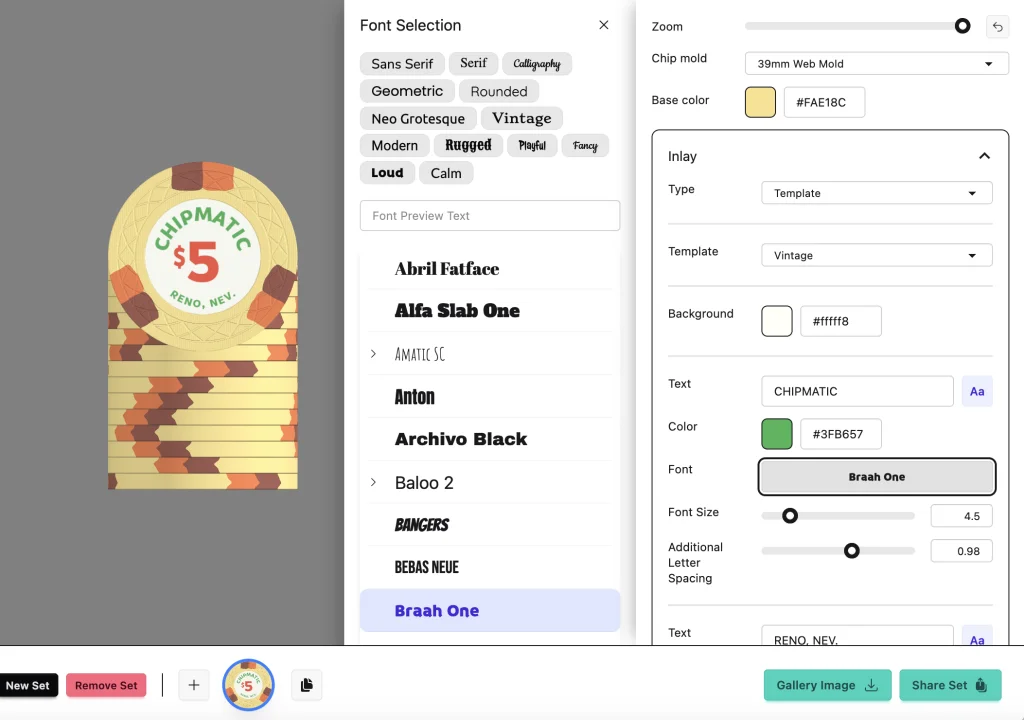
Two big updates for inlay templates:
I also made an improvement to the color picker on mobile. It previously used the system color picker (which didn't have the palettes that are available on desktop), but now the mobile interface matches desktop with the same palettes and color picker widgets.
- Added a font picker. You can now choose your fonts on the inlay templates. I added about ~30 that I thought covered a wide range of styles, but if you're looking for a particular font that's not here, let me know, and I can likely add it so long as it's licensed for commercial use. Google fonts is the easiest source for me to work with.
- Added a "Vintage" style inlay template that hearkens back to various classics like Bicycle Club, El Cortez Hotel, and Mint Club (circular text around a large denomination).
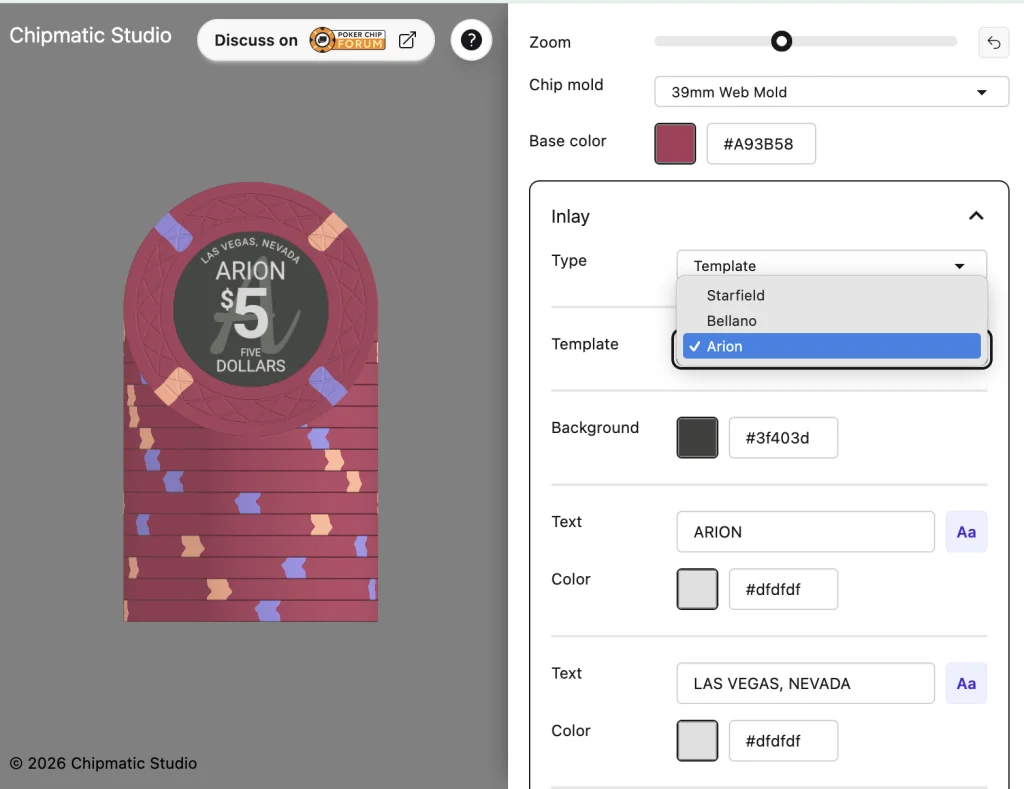
I'm having fun with the inlay templates, so I've added another one that y'all might recognize. Welcome to the "Arion."
As with all of the other inlay templates, all of the text is customizable (including the "A" in the background).